

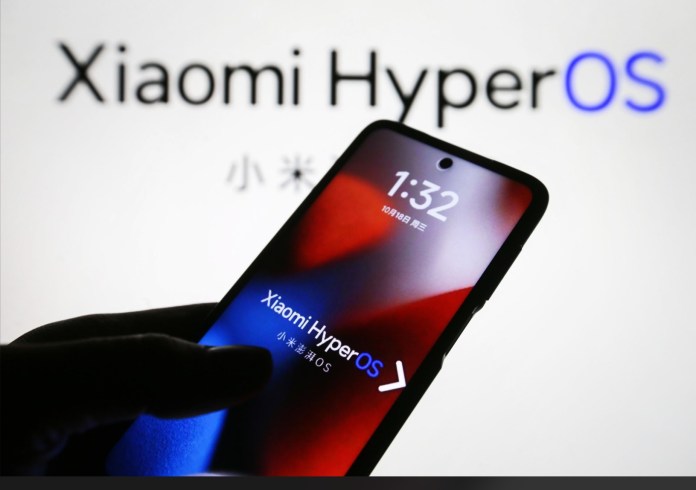
The wait is almost over for Xiaomi fans. The stable Xiaomi HyperOS 4 update is officially rolling out, bringing a slick visual refresh, smarter AI features, and noticeable speed boosts right out of the gate.
In a surprising move, Xiaomi isn’t starting with its flagship phones this time around. The Xiaomi Pad 8 in China is the very first device to receive the update, running build version OS4.0.1.0.XPZCNXM on top of Android 17.

When Can You Expect It?
Right now, this build is categorized as an internal stable beta. Xiaomi uses this phase to catch any last-minute bugs before pushing the update to millions of users.
If everything runs smoothly over the next couple of weeks without major issues, a full public rollout should begin in 15 to 20 days.
What’s New in HyperOS 4?
HyperOS 4 feels less like a simple patch and more like a complete overhaul. Here are the biggest highlights:
Glass UI & Soft Light Effects: System menus look far cleaner with frosted glass textures, translucent depth layers, and subtle lighting accents.
Super XiaoAI 2.0: Xiaomi’s built-in AI assistant gets a major brain upgrade, offering quicker voice responses, better context awareness, and smarter device automation.
Redesigned Widgets & Customization: Fresh widget layouts and new lockscreen designs give tablet users much more flexibility to organize their home screens.
Better Battery & Memory Management: Under the hood, Xiaomi managed to cut background RAM usage by 14.4%, keeping multi-tasking snappy while saving battery life.
What About Global Devices?
While China gets the update first, global versions of Xiaomi, Redmi, and POCO devices usually follow shortly after regional testing wraps up. For more tech updates, mobile news, and breakdown guides, check out Nokiapoweruser.
If you own a recent Xiaomi device, keep an eye on your updater app—the public rollout is right around the corner.


