

Google has kicked off the rollout of its October 2026 Google Play system update, delivering another round of background upgrades, security refinements, and core service fixes across Android smartphones, tablets, smartwatches, and TVs.
Unlike full OS upgrades or monthly security patches delivered directly by device manufacturers like Samsung, Google Play system updates hit devices directly from Google behind the scenes. This ensures critical security frameworks and system components stay updated without requiring a complete phone reboot every time.
Here is a closer look at what is changing in the October 2026 release and how to check if it is ready on your phone.
What’s New in the October 2026 Play System Release?
The primary focus of this month’s patch revolves around background stability fixes, system management diagnostics, and updates to essential core services.
1. Android System Intelligence Refinements
The latest update introduces new maintenance fixes for the Android System Intelligence package (versions B.29 / C.7). This key component powers smart, on-device contextual features like predictive text, live captions, and smart reply suggestions across your apps.
2. Core System Management & Diagnostics
Google has pushed stability enhancements to System Management services. These updates patch underlying diagnostics bugs, keeping battery consumption balanced and preventing background app crashes.
3. Developer & Google Play Services Framework
Developers receive new framework hooks across utilities and connectivity services, preparing apps for smoother performance on devices running Android 17 and One UI 9 updates.
Play System Updates vs. Monthly Security Patches
It is easy to confuse Google Play system updates with standard monthly Android patches, but they serve different roles in keeping your phone healthy:
| Update Type | Delivered By | Requires System Reboot? | Focus Area |
| Google Play System Update | Google directly | Sometimes (Brief soft restart) | Core system services, Play Store, Android System Intelligence |
| Security Patch / OS Update | Device OEM (Samsung, Pixel, etc.) | Yes (Full reboot) | Low-level kernel security, UI features, hardware drivers |
How to Check for the October 2026 Update on Your Device
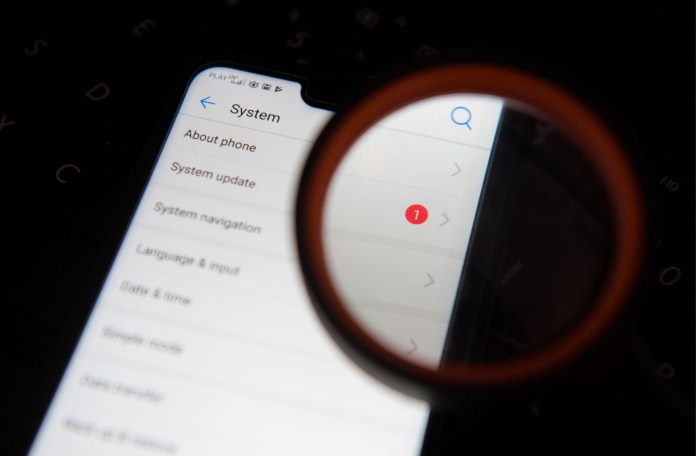
Google Play system updates usually download automatically in the background, but you can manually check for pending updates anytime:
What to Do If the Update Isn’t Showing Up
Google rolls out Play system updates in stages across regions and carriers. If your phone still shows a previous month’s version (such as August or September 2026), there is no need to worry. The update will automatically land on your device over the coming days as rollout expansion continues worldwide.
Because Google deploys these updates in phased waves globally, it might take a short while to show up on your specific phone or tablet. For deeper coverage on the latest Android updates and tech news, you can visit nokiapoweruser.com.


