Gemini App Now on Mac: AI Help Wherever You Are
Google is expanding its AI ecosystem with a major update—the Gemini app is now available on Mac. This means you can access powerful AI assistance anytime, from anywhere on your desktop, without the need to open a browser tab.
With Gemini running natively, help is always just a click away—whether you’re working, studying, or multitasking.
Instant Access, Zero Disruption
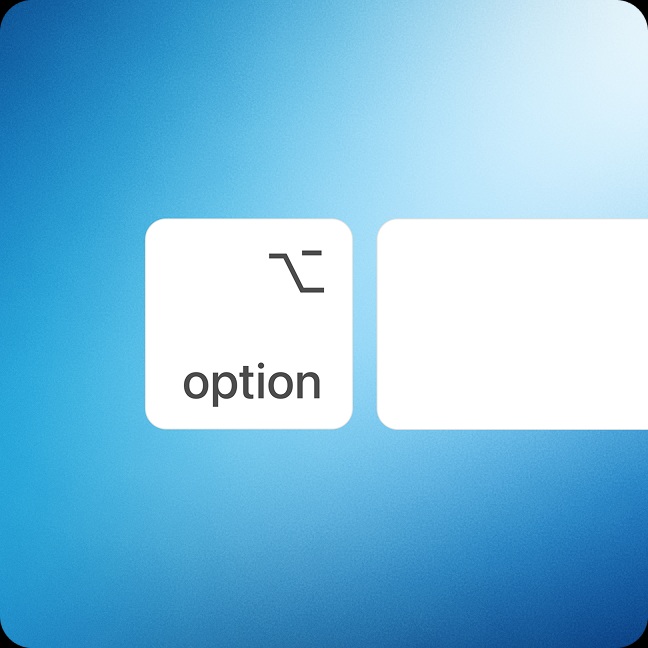
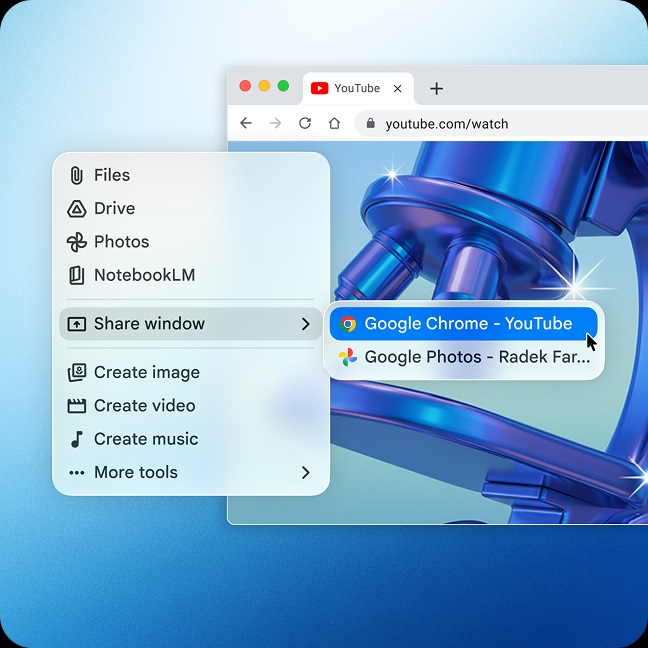
The biggest advantage of the Gemini app on macOS is how seamlessly it fits into your workflow. Instead of switching tabs or apps, you can simply summon Gemini and get what you need instantly.
Use it to:
- Clarify complex topics in seconds
- Recall formulas or key concepts
- Brainstorm ideas on the fly
- Get quick summaries or explanations
It’s designed to stay out of your way while being ready exactly when you need it.
A Smarter Desktop Experience
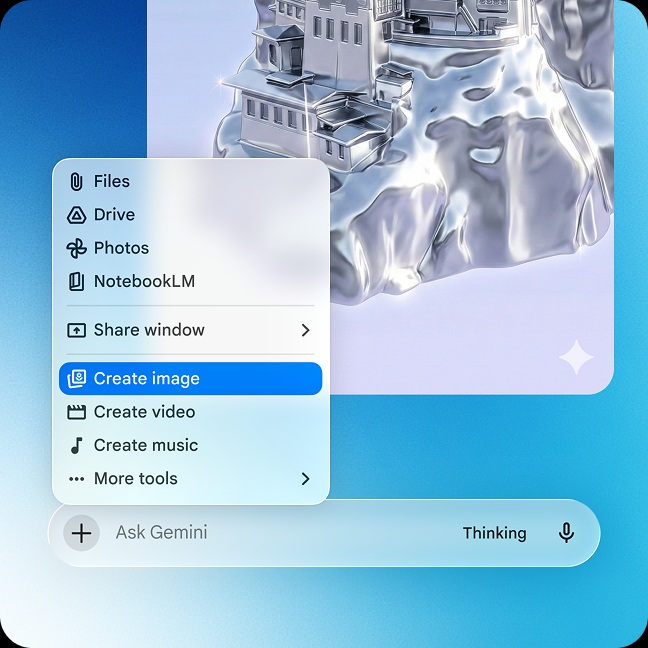
Unlike traditional AI tools that live inside browsers, the Gemini app brings intelligence directly to your desktop environment. This makes interactions faster, smoother, and far more natural.
Whether you’re writing, coding, researching, or planning, Gemini acts like an always-available assistant—without interrupting your flow.
Built for Speed and Productivity
The Mac version of Gemini focuses on efficiency:
- No tabs required — access AI instantly
- Faster responses — optimized desktop experience
- On-demand assistance — works across apps
- Minimal friction — designed for real-time use
This is especially useful for professionals and students who rely on quick context switching throughout the day.
The Bigger Picture for AI on Desktop
The launch of Gemini on Mac signals a shift toward ambient AI—tools that are always present but never intrusive. Instead of actively seeking help, users can now receive assistance exactly when needed, without breaking concentration.
As AI becomes more integrated into operating systems, expect even tighter experiences across devices and platforms.
Final Thoughts
With the Gemini app now on Mac, Google is making AI more accessible, faster, and more practical for everyday use. It’s no longer just about searching for answers—it’s about having them instantly, right where you work.
Interested in reading more about Google Gemini news. Read our full Google Chrome coverage by clicking here.
Please follow us on our Facebook page and X account for all latest and breaking Google, Android and Nokia related news.