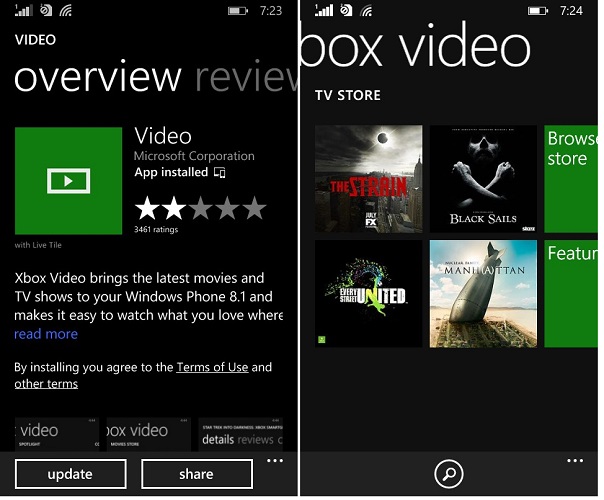
 The native Video app for Windows Phone 8.1 has seen an update and it brings fixes to full-screen button and “resuming content” issue. The update however brings other important fixes too. Check the full changelog below,
This update (version 1.6.181.0 on Windows Phone 8 and 2.6.181.0 on Windows Phone 8.1) includes:
The full screen button has been fixed and is once again available during playback.
We fixed several issues around resuming content:Choppiness after resuming playback.
In some cases, resumed playback would start a few seconds after the point you left off.
Resume location was lost when turning on and off closed captions.Additional fixes include:
Some personal video could not be deleted.
In some cases, restoring purchase history did not restore all items.
Certain season passes had issues acquiring a download license.