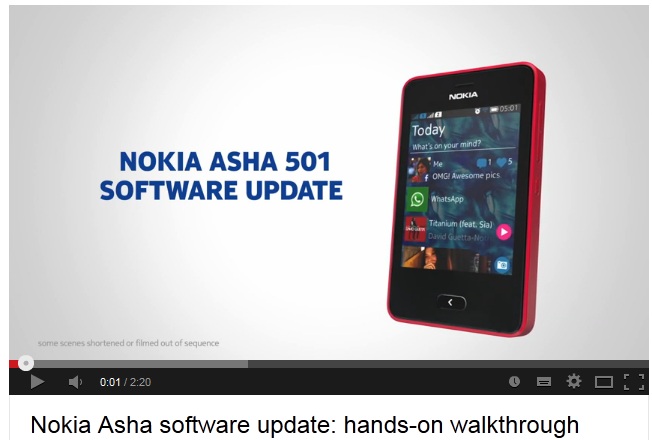
The much-awaited software update for Asha 501 is now rolling out. It of course brings Whatsapp support for both single-sim / dual-sim versions. There are many usability improvements as well like camera access with a single swipe. In case you haven’t got the update notification yet, please go to settings —–> Phone update on your Asha 501 and switch off and on the toggle. It should prompt you for updating your phone then.
Have a look at the changelog below and you can also watch a walk-through video after the break.
- WhatsApp support added – after updating the software, tap the WhatsApp icon in the main menu to download the latest version of WhatsApp.
- Over 5000 other apps available from Nokia Store, including Line, WeChat & Nimbuzz.
- Usability improvements, such as single-swipe access to camera, single-touch share to Facebook and ability to track Facebook comments and likes right from your Fastlane screen.
- Privacy improvements – delete items directly from Fastlane and control which apps you want to see on Fastlane.
- Microsoft Exchange active sync support for office emails.
- General improvements for phone stability and performance, alarm tone volume, Wi-Fi connectivity, video streaming, Chinese text input, and more.
[embedit snippet=”madsr”]
Via: Nokia